Daily or hourly upload limits
Free Online Image Conversion
Free Online Image Converter – Convert Any Format Without Limits or Quality Loss
The only free image converter you will ever need, and we mean that.
Convert between JPG, PNG, WEBP, AVIF, GIF, BMP, TIFF, and more without worrying about quality loss, hidden limits, or surprise paywalls. Upload as many images as you want, pick your target format, and hit convert; it really is that simple. There is no account, no watermark, no restrictions standing between you and your converted images.
Go to image converter
JPG, PNG, WebP, AVIF, GIF, BMP and TIFF
No account required · No watermark · Instant results
2M+
Images Transformed
50K+
Active Users
4.9
Average Rating
<5s
Average Processing
20+
Image Tools
Image Tools
Transform Images Your Way
Choose the tool you need. Your existing processing workflow, limits, and download behaviour remain unchanged.
Image converter
Convert images
Choose images and an output format, then convert. Your files stay on this device.
Drop images here or choose files
PNG, JPG, and WebP images · Up to 10 files
Adjust quality Optional
Lower quality creates a smaller file. The default works well for most images.
Upload Panel
Add your images
Tap, browse, drag, or drop. Preview and manage your images before processing.
Uploading…
Drop your images here or click to upload
Supports JPG, PNG, WebP, AVIF, GIF, BMP, TIFF. SVG is intentionally blocked for safer handling.
Up to 10 files
30MB max per file
8000×8000 max px
Selected images
Free Image Conversion
Convert Images Free, Without Any Limitations
Most online image converters seem free until you actually try to use them. Then come the limits: 5 images per day, 10 uploads per hour, or a forced signup to download your own file. We built this tool to be different.
Here, free actually means free.
You can convert up to 30 images at a time, and there is no limit on how many times you can do it. Need to convert 300 images? Run 10 batches of 30. Need to do it again tomorrow? Go ahead. No account needed, no subscription required, no counter ticking down in the background.
Here is what you will never see on this tool:
Forced account creation or email signup
Watermarks on your converted images
Paywalls are blocking your downloads
Expiring free trials or hidden premium tiers
We keep it simple. You bring the images, we handle the conversion, you take the results. It is completely free, every single time.
Whether you are a web developer optimizing images for faster load times, a designer switching formats for a client project, or just someone who needs to convert a few photos quickly, this tool works the same way for everyone.
There is no VIP access, no premium queue, just straightforward image conversion with zero strings attached.
Supported Formats
Supports All Major Image Formats
When it comes to image formats, one size never fits all. A format that works perfectly for a website may be completely wrong for a print project, and a format ideal for photography might be too heavy for mobile apps.
That is why we built support for all the formats that actually matter.
Whether you are working with a modern format or a legacy file type, our converter handles them both without any hassle.
Here are all the formats we currently support:
JPG
JPG / JPEG
The most widely used image format in the world. It is perfect for photographs, social media images and any situation where file size needs to stay small without sacrificing too much visual quality.
PNGPNG
The go-to format when you need transparency or pixel-perfect quality. It is widely used in graphic design, logos, screenshots and web graphics where clean edges matter.
WEBPWEBP
Google's modern image format is built specifically for the web. WEBP delivers significantly smaller file sizes compared to JPG and PNG while maintaining excellent visual quality. It makes it a top choice for website performance.
AVIFAVIF
One of the newest and most efficient image formats available today. AVIF offers even better compression than WEBP while maintaining outstanding quality, and its adoption across browsers is growing rapidly.
GIFGIF
The classic format for simple animations and graphics with limited colors. Still widely used for short animated clips, memes and lightweight web graphics.
BMPBMP
A raw, uncompressed image format that preserves every pixel with no quality loss at all. Commonly used in Windows environments and situations where editing flexibility matters more than file size.
TIFFTIFF
The preferred format for professional photography, printing and archiving. TIFF files are large but store image data with exceptional detail and are trusted across the publishing and print industries.
No matter which format you are starting with or converting to, our tool handles the job cleanly and quickly.
Quality Control
Convert Without Losing Quality
One of the biggest concerns people have about online image converters is the risk of quality loss. And honestly, that concern is valid.
A lot of tools out there compress your images aggressively in the background without telling you. By the time you download your file, the damage is already done. We do things differently here.
By default, every conversion on our tool is lossless. Your image goes in, comes out in a new format, and the visual quality stays the same. No hidden compression, no sneaky resizing, no quality being quietly shaved off behind the scenes.
Here is how we handle quality:
- Lossless Conversion by Default: Every image you convert keeps its original quality unless you decide otherwise. What you upload is what you get back, just in a different format.
- Optional Compression When You Need It: Sometimes, a smaller file size matters more than maximum quality, especially for web performance or storage. That is why we give you an optional compression setting you can turn on yourself. You stay in control, always.
- No Surprise Quality Drops: No automatic optimizations are running without your knowledge. Every setting that affects your image quality is visible and in your hands. Nothing happens in the background that you did not ask for.
Quality is not something we compromise on by default. Whether you are converting a product photo, a design asset or a personal picture, you deserve to get back exactly what you put in.
With our optional compression, you also get the flexibility to optimize when it makes sense for your workflow.
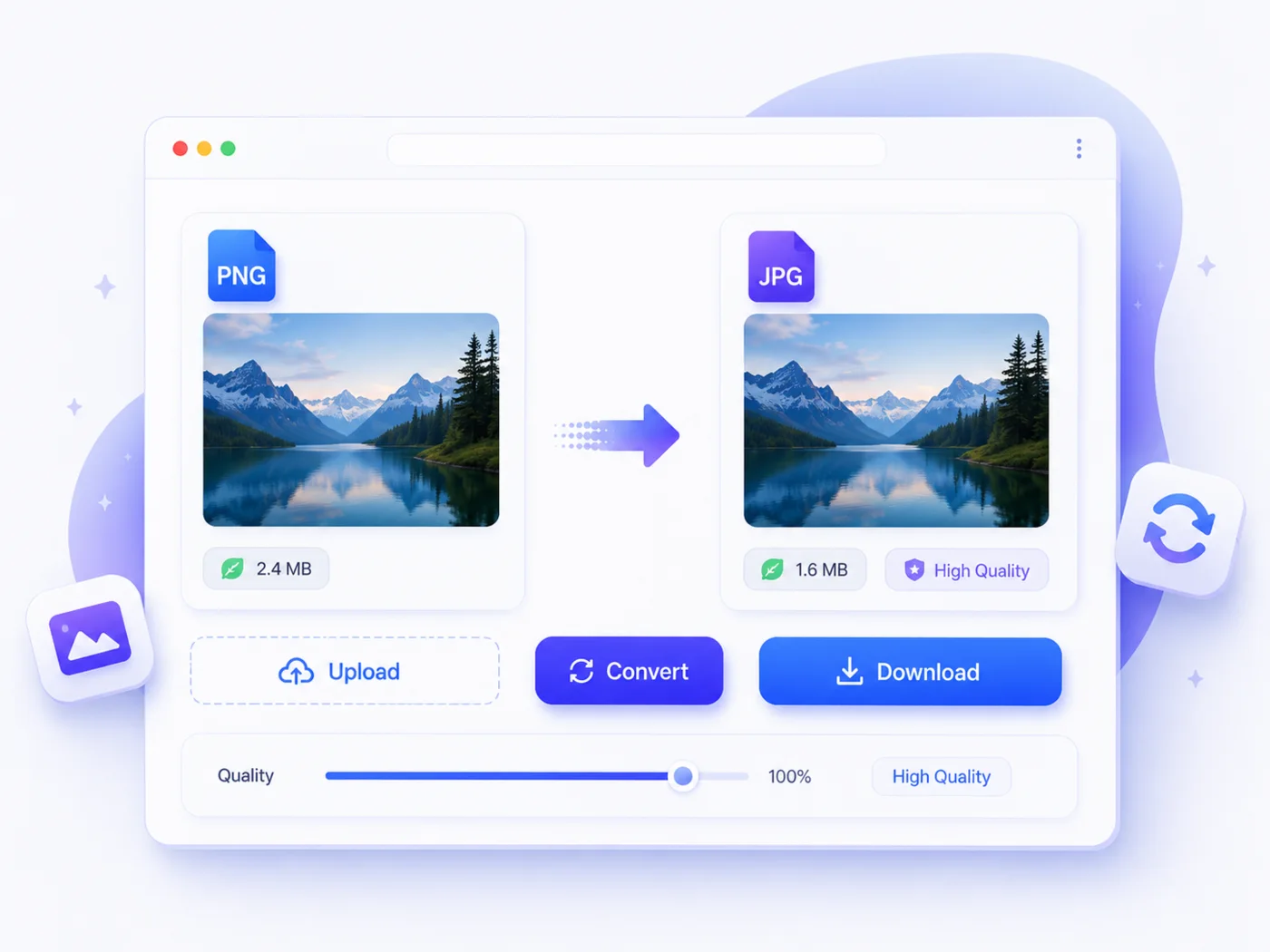
How It Works
How to Convert Your Images in 3 Simple Steps
We kept the process as simple as possible. There is no learning curve, no confusing settings, no unnecessary steps. Whether you are converting a single image or a batch of 30, the whole thing takes less than a minute.
Step 1 - Upload Your Images
Click the upload area or drag and drop your images straight into the tool. You can upload up to 30 images at once in any format. JPG, PNG, WEBP, AVIF, GIF, BMP, TIFF, whatever you have, drop it in.
Step 2 - Select Your Target Format
Once your images are uploaded, pick the format you want to convert to. A single click is all it takes to set your preferred output format for all selected images.
Step 3 - Convert and Download
Hit the convert button and let the tool do its job. Your images will be ready in seconds. Download them individually or grab them all at once in a single zip file.
That is genuinely all there is to it. No account to create, no settings to figure out, no waiting around. Just a clean and straightforward process. It gets your images converted and back in your hands as fast as possible.
Why Choose Us
Why Use Our Free Image Converter?
There are plenty of image converters out there. We know that. But most of them are built around restrictions, not around the user. Limits, signups, watermarks and quality sacrifices have become so common in this space that people accept them as normal.
They are not normal or necessary. Here is what makes our tool genuinely different:
Completely Free, Every Single Time
No free trial, no premium plan, no credits system. The tool is free today, tomorrow and every time after that. You can convert as many batches as you need without ever hitting a paywall.
No Account or Signup Required
Your time is valuable. We do not ask for your email address, your name, or any other personal information. Open the tool, convert your images and leave. Simple as that.
All Formats Covered in One Place
JPG, PNG, WEBP, AVIF, GIF, BMP, TIFF and more. Instead of jumping between different tools for different formats, everything you need is right here under one roof.
Full Quality Control in Your Hands
Convert losslessly by default or apply optional compression when file size matters. Either way, you decide what happens to your images, not the tool.
Fast, Clean and Distraction Free
No cluttered interface, no aggressive ads pushing you toward a premium plan, no pop-ups interrupting your workflow. Just a clean tool that does exactly what it promises.
Your Privacy is Respected
Your uploaded images are your business, not ours. We do not store, share or use your images for anything beyond the conversion you requested.
Most tools make you work around their limitations. We built this one around yours.
Popular Converters
Popular Image Format Converters By Img To Images Converter
Not sure where to start? Every format has its own page with a dedicated converter built specifically for that job. Whether you are converting to a modern web format or working with a classic file type, we have a dedicated tool ready for you.
Pick your format and get started:
PNG Converter
Got a PNG file to convert? Convert to WEBP, JPG, AVIF, GIF, BMP, TIFF, and more while keeping every detail of your original image intact.
JPG Converter
Starting with a JPG or JPEG file? Convert it to WEBP, PNG, AVIF, GIF, BMP, TIFF and any other format you need quickly and without quality loss.
WebP Converter
Have a WEBP file that needs to be in a different format? Convert your WEBP images to JPG, PNG, AVIF, GIF, BMP, TIFF and more in just a few clicks.
TIFF Converter
Have a TIFF file ready to convert? Turn it into JPG, PNG, WEBP, AVIF, GIF, BMP, and any other format you need, without losing any of that professional-quality detail.
AVIF Converter
Working with an AVIF file? Convert it to JPG, PNG, WEBP, GIF, BMP, TIFF, and other formats without any complicated settings or quality compromise.
GIF Converter
Have a GIF that needs converting? Convert it to JPG, PNG, WEBP, AVIF, BMP, TIFF, and more with a clean, straightforward process.
BMP Converter
Starting with a BMP file? Convert it to JPG, PNG, WEBP, AVIF, GIF, TIFF, and other formats quickly, cleanly, and completely free.
Each converter page is built to handle one job exceptionally well. Select your format above, head to the dedicated page and get your images converted in seconds.
FAQ
Frequently Asked Questions
Is the "Img To Images Converter" image converter tool really free?
Yes, completely. There are no hidden charges, no premium plans and no credit systems running in the background. Every conversion you do on this tool is free, today and every time after that.
How many images can I convert at once?
You can convert up to 30 images in a single batch. Once your batch is done, you can upload another 30 and keep going. There is no cap on how many batches you run, so even if you have hundreds of images to convert, work through them in groups of 30, and you will get there without any restrictions.
Will my image quality be affected during conversion?
Not by default. Every conversion is lossless unless you choose otherwise. If you want to reduce file size, we offer an optional compression setting you can enable yourself. Your quality is never touched without your permission.
Do I need to create an account or sign up before converting images?
No account, no signup, no email required. Open the tool, upload your images, convert and download. That is it. We do not ask for any personal information at any point.
What image formats do you support?
We currently support JPG, PNG, WEBP, AVIF, GIF, BMP and TIFF. You can convert from any of these formats to any other format supported by our tool, all in one place.
Are my uploaded images stored or shared?
No. Your images are used solely for the conversion you requested and nothing else. We do not store, share or access your files beyond what is needed to complete your conversion.
Is there a file size limit per image?
We allow you to upload a single file up to 30 MB for conversion using our tool "Img To Images Converter". It is more than enough for professional use.
Can I convert images on my phone or tablet?
Absolutely. Our converter works fully on any device with a browser. No app download needed, no desktop required. Whether you are on a phone, tablet, or laptop, the experience is the same.
Why should I use WEBP instead of JPG or PNG?
WEBP is a modern image format designed specifically for the web. It delivers smaller file sizes than JPG and PNG while maintaining high visual quality.
If you are working on a website and want faster load times, converting to WEBP is one of the easiest improvements you can make.
About Our Free Image Converter Tool By Img To Images
We built this tool because we were tired of conversion limitations and were willing to fix the problem for everyone. Limits disguised as features, free plans that are not really free and quality sacrifices nobody asked for.
So we decided to build something straightforward.
Our image converter is designed for everyone, from professional web developers and graphic designers to everyday users who need to convert a photo quickly. No technical knowledge required, no complicated settings to figure out and no barriers standing between you and your converted images.
We believe a free tool should actually be free. That means no watermarks, no forced signups, no daily limits and no paywalls waiting around the corner.
There should be a reliable, fast and clean converter that respects your time, your images and your privacy. We are continuously working to add more tools, support more formats and make the experience even better. This is just the beginning.
Ready to Convert Your Images?
Upload your images, choose the required tool, and download the results without an account or watermark.