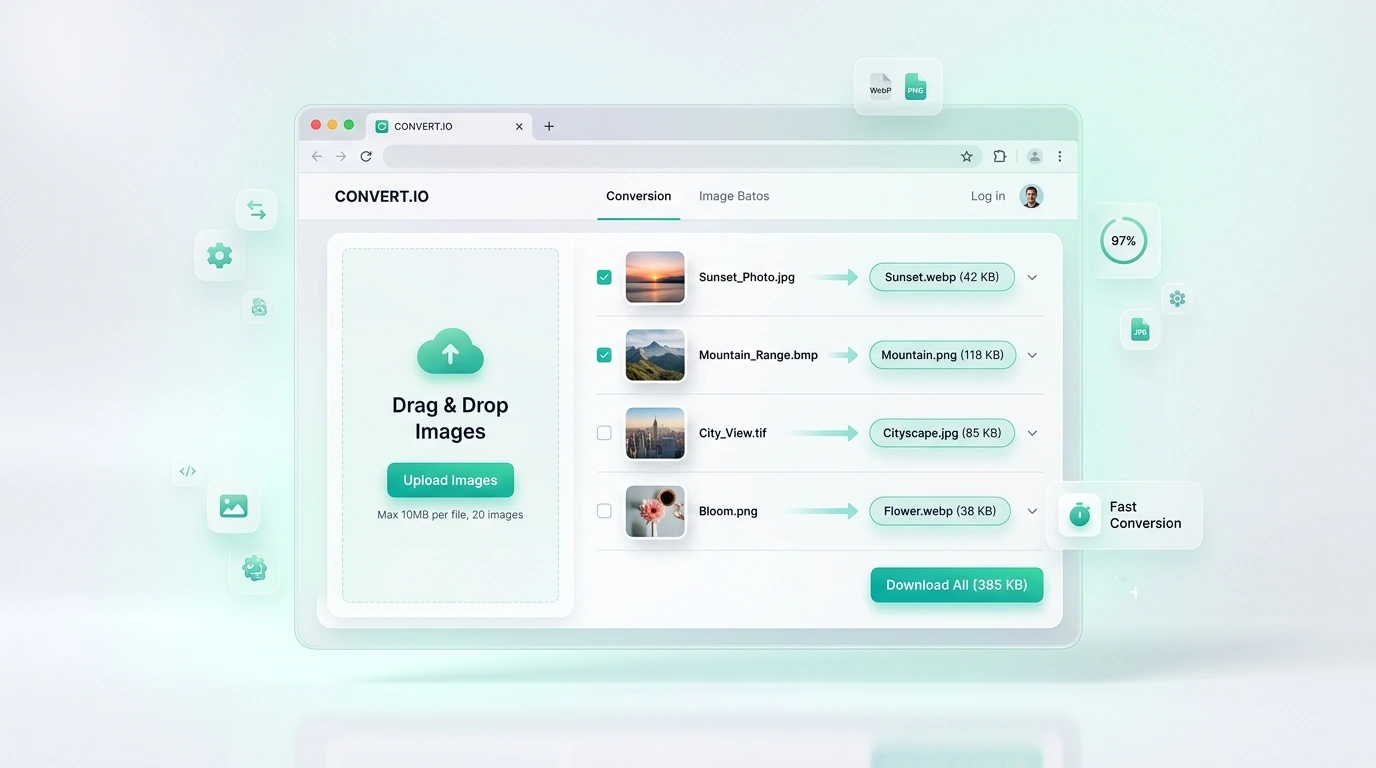
Fast & easy
Upload, process, and download in a few clear steps.
Convert BMP to GIF images in seconds without installing software or plugins. Adjust quality, process a complete batch, and download the finished files.
Tap, browse, drag, or drop. Preview and manage your images before processing.
Drop your images here or click to upload
This converter accepts only BMP source images.
Professional image conversion
Convert BMP files to GIF with a focused upload workflow, adjustable quality, batch processing, before-and-after previews, and secure downloads.
Upload, process, and download in a few clear steps.
Convert up to 30 BMP images together.
Simple workflow
Choose files or drag your BMP images into the upload area.
Choose quality and any optional processing settings you need.
Process the uploaded images and follow the real job progress.
Download individual results or the completed batch as a ZIP.
Other powerful tools
Reduce file size while preserving high visual quality.
Change dimensions by exact pixels, presets, or percentage.
Crop freely, lock aspect ratios, rotate, and flip.
Add customizable copyright text and brand protection.
Lossless optimization to speed up website load times.
Compress batches of images and download all in a ZIP archive.
About this converter
The upload validator is limited to BMP source files, helping prevent accidental use of the wrong format.
Adjust the quality setting and optional optimization controls before creating the GIF output.
Files are stored outside the public web root, accessed through protected URLs, and removed after expiry.
Review each converted image and download files individually or together in a ZIP archive.
Conversion summary
Upload your BMP images, choose the output quality, start the conversion, compare the result, and download the completed GIF files.
Frequently asked questions
Upload one or more BMP images, adjust the available settings, select Process images, and download the completed GIF results.
Yes. You can upload up to 30 files per batch, within the configured file-size and total-upload limits.
The quality slider controls the balance between visual detail and file size. Higher values preserve more detail, while lower values can create smaller files.
Images are stored privately outside the public web root. Preview and download access is protected, and temporary files expire automatically.
Yes. When more than one file completes successfully, a ZIP download is available in addition to the individual image downloads.
Ready when you are
Upload your files, choose the settings, and download the finished images.