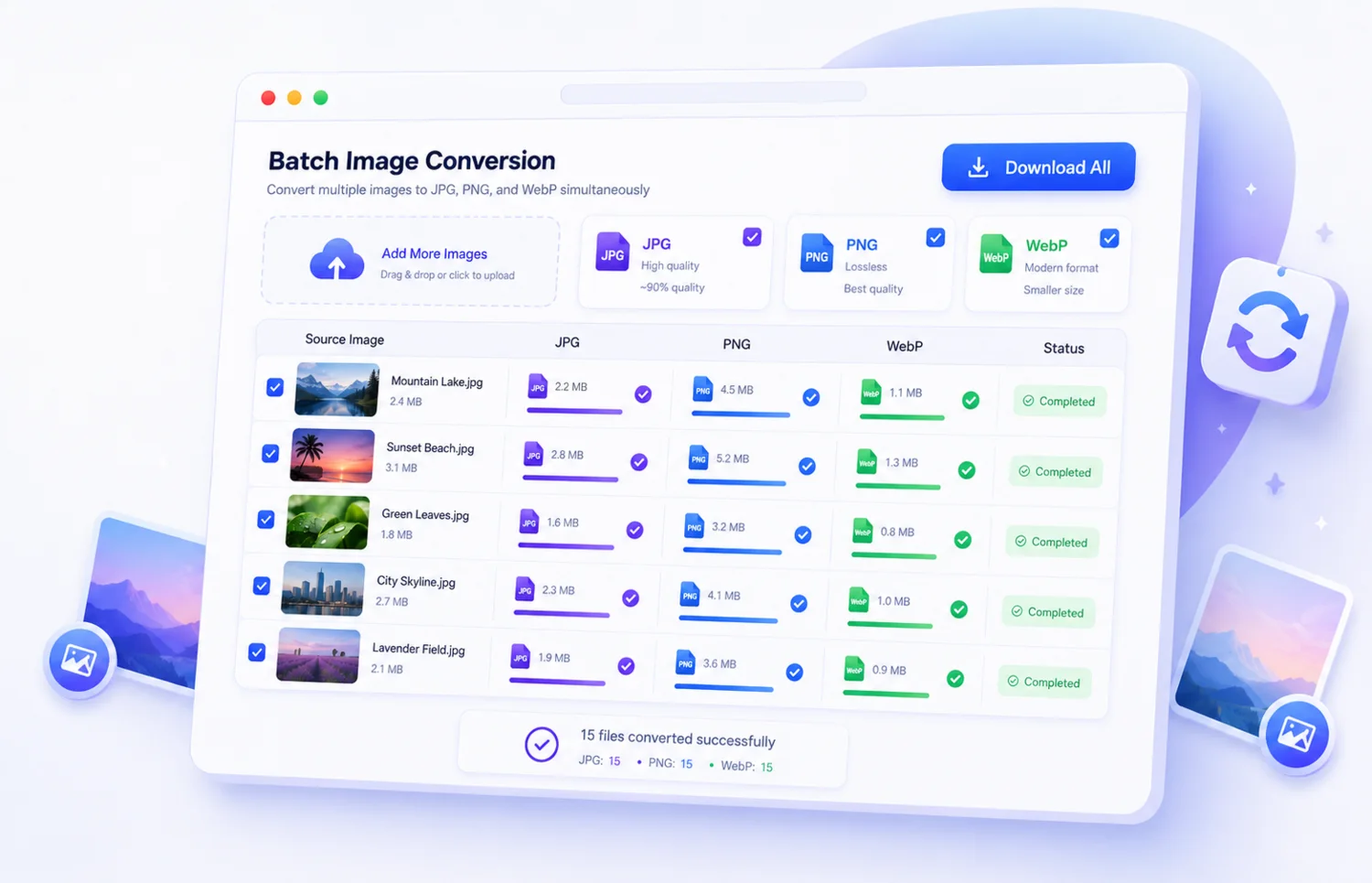
Consistent sizing
Apply one dimension profile to every uploaded image.
Apply one size, percentage, or preset to multiple images and download consistent results together.
Tap, browse, drag, or drop. Preview and manage your images before processing.
Drop your images here or click to upload
Supports JPG, PNG, WebP, AVIF, GIF, BMP, TIFF. SVG is intentionally blocked for safer handling.
Professional image workflow
Apply one width, height, exact size, percentage, or preset to multiple images and download the resized files together.
Apply one dimension profile to every uploaded image.
Process up to 30 images and download a ZIP.
Simple workflow
Choose one supported image or add a complete batch.
Set one size, percentage, or preset for every file.
Start the real image job and follow its live progress.
Compare before and after, then download files or a ZIP.
Other powerful tools
Reduce file size while preserving high visual quality.
Change dimensions by exact pixels, presets, or percentage.
Crop freely, lock aspect ratios, rotate, and flip.
Add customizable copyright text and brand protection.
Lossless optimization to speed up website load times.
Compress batches of images and download all in a ZIP archive.
About this tool
Only the settings relevant to this tool are shown, keeping the workflow simple and predictable.
Process multiple images, review every result, and download individual files or a completed ZIP.
Temporary previews and downloads use protected URLs and ownership checks.
Compare the original and processed image before downloading the final result.
Tool summary
Keep dimensions consistent across a collection and download the resized images individually or together as a ZIP.
Frequently asked questions
Upload several images, choose one resize mode and dimensions, process the batch, and download the results.
Yes. You can upload up to 30 files per batch, within the configured file-size and total-upload limits.
Images are stored privately outside the public web root. Preview and download access is protected, and files expire automatically.
Yes. When a batch completes, you can download individual images or the complete result as a ZIP archive.
No. The complete workflow runs through the browser interface without a desktop editor or plugin.
Ready when you are
Upload your files, choose the settings, and download the finished result.